Sales reps send more screen recordings than any other role in the building: demos, quick follow-ups, async pitches to a prospect who missed the call. This ranks the best screen recording software for sales teams in 2026 by what actually gets a video watched — not install size, not feature count.
- Rekkko is the best screen recording software for sales teams in 2026 for cold, no-account follow-up links.
- Loom wins for teams already standardized on Slack and Notion workspaces.
- Vidyard fits reps running personalized outbound video at volume with CRM syncing.
- Zoom Clips suits teams already living inside Zoom for quick internal clips.
- Soapbox by Wistia pairs recording with hosting analytics for sales content.
Best overall: Rekkko. Best for team workspace libraries: Loom. Best for outbound prospecting at scale: Vidyard. Best for teams already on Zoom: Zoom Clips. Best for hosting analytics on sales content: Soapbox by Wistia.
Why this matters
A prospect who has to install an extension or sign up for an account before watching your demo usually doesn't. That's the whole game in 2026: get the recording, get it to a link, get the link opened.
Most screen recording software was built for internal teams, not for cold outreach to someone outside your company. That difference decides which tool belongs on a sales team's laptop and which one belongs in engineering.
What makes the best screen recording software for sales teams
- No install for the rep — browser-based capture, not a desktop client
- No account required for the person watching the link
- AI editing that trims filler words and dead air without a manual pass
- Camera and voice overlay so the message reads as personal, not a manual
- One link to send, not a file attachment
- A free tier that covers a normal week of recordings, not a handful
Screen recording software for sales teams: at a glance
| Tool | Best for | Standout feature | Key limitation |
|---|---|---|---|
| Rekkko | Cold follow-up links a stranger can open | Free, browser-based, single link, no viewer account | No built-in outbound sequencing layer |
| Loom | Teams standardized on Slack/Notion | Shared workspace library and comment threads | Viewers without a Loom account hit more friction on some shares |
| Vidyard | Outbound reps sending personalized video at volume | Sales-engagement platform and CRM integrations | Built for prospecting workflows, not general capture |
| Zoom Clips | Teams recording inside an existing Zoom workflow | Native to the Zoom app reps already have open | Tied to the Zoom ecosystem |
| Soapbox (Wistia) | Reps who need hosting plus engagement data | Video hosting with viewer analytics | Built around Wistia hosting, not quick async capture |
1. Rekkko: best screen recording software for sales teams sending a cold follow-up
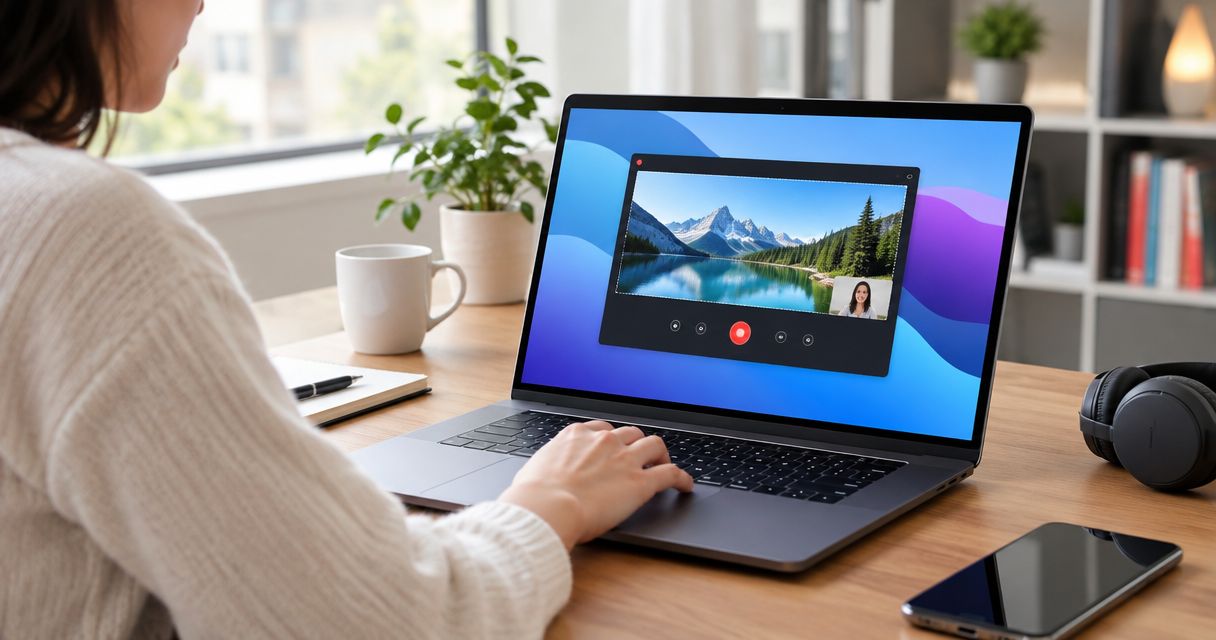
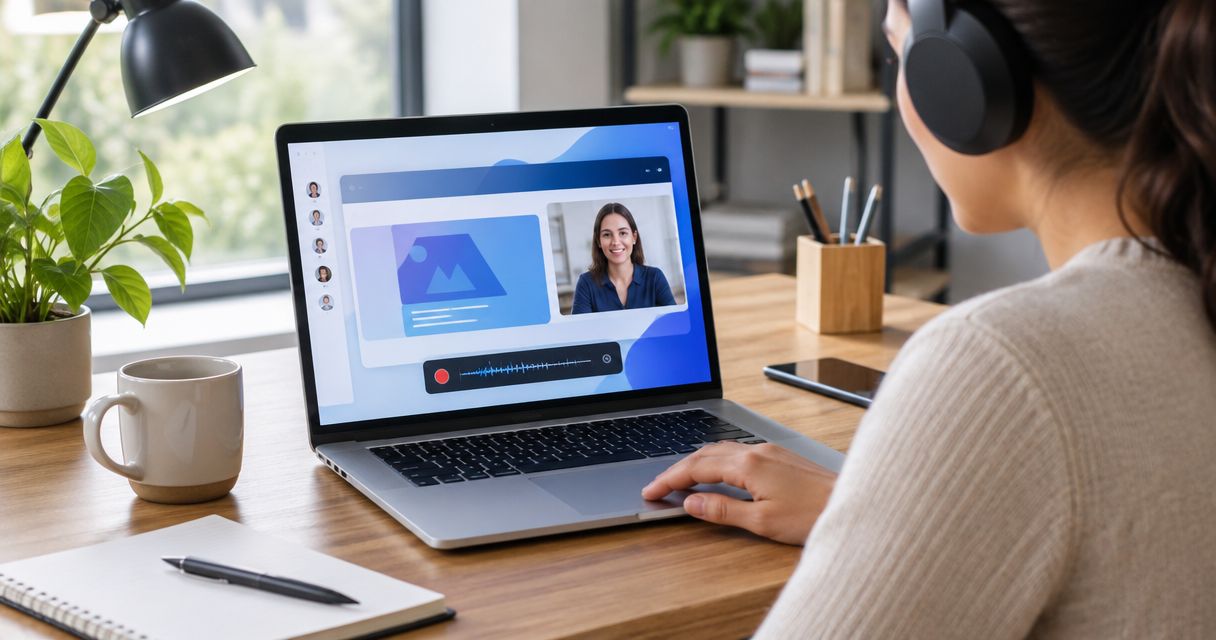
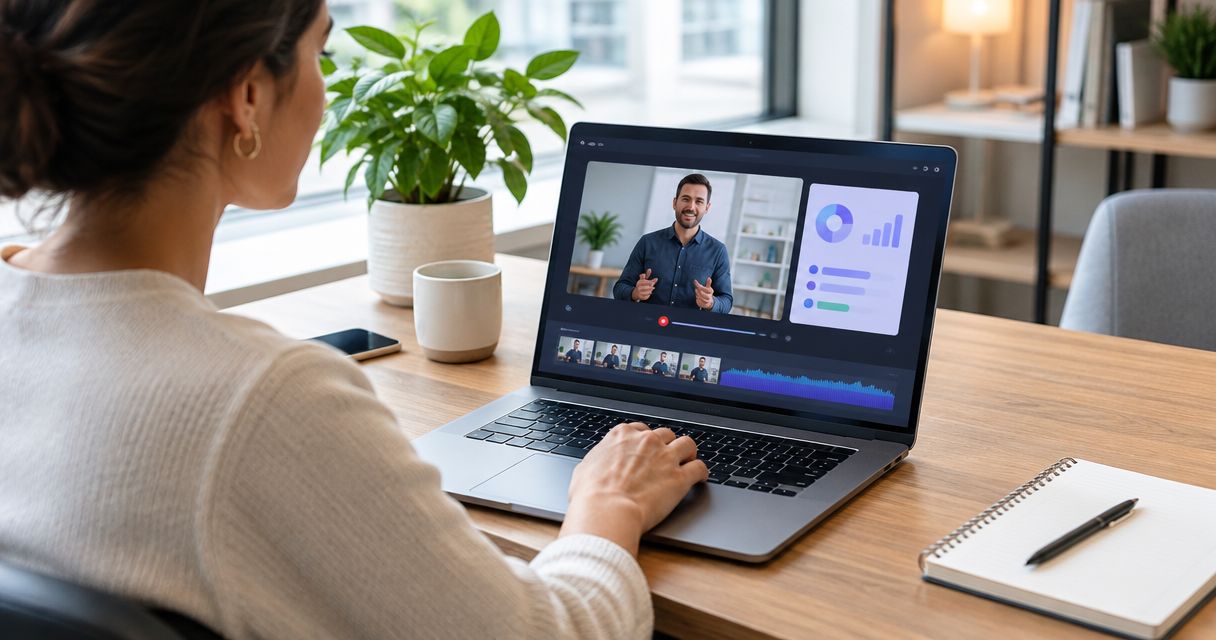
Rekkko is a free, browser-based screen recorder that captures screen, voice and camera together, then hands you a single link to send. The person on the other end opens it without creating an account. AI editing on the back end trims filler words and cuts dead air, so a rep doesn't re-record a take just because they said "um" twice.
Rekkko pros:
- No install, no extension — recording starts in the browser
- Recipient opens the link cold, no signup wall
- AI trims filler words and dead air automatically
- Screen, voice and camera capture in one take
Rekkko cons:
- No native outbound sequencing or CRM automation layer
- Built for capture and sharing, not a full sales-engagement suite
Rekkko is best for: reps who need a link a prospect can open on the first click, with zero setup on either side.
Verdict: Buy.
For teams rolling this out past a single rep, the differences between general screen recording software for teams and a solo sales tool matter — worth a look before standardizing.
Record your first sales video free
Browser-based, no install, no viewer account required.
2. Loom: best screen recording software for teams inside Slack and Notion
Loom built its name on quick async video for teams already living in Slack and Notion. It stores recordings in a shared library, supports comment threads under each video, and integrates into the tools those teams already use daily.
Loom pros:
- Deep integration with Slack, Notion and similar team tools
- Shared workspace library keeps team recordings organized
- Comment threads on videos support async back-and-forth
Loom cons:
- Built around internal team workflows more than cold outbound
- Some shared videos add friction for viewers without a Loom account
Loom is best for: sales teams already standardized on Slack or Notion for daily work, sharing internally more than externally.
Verdict: Buy — for internal-first teams. Skip if most of your recordings go to prospects outside the company.
3. Vidyard: best for personalized outbound video at volume
Vidyard is built for outbound: personalized video sent at scale, tied into CRM records and sales-engagement platforms. Reps use it to attach a face-to-camera message to a cold email or a sequence step.
Vidyard pros:
- Integrations with CRM and sales-engagement platforms
- Built specifically around outbound sales motion
- Supports personalized video at volume, not one-off recordings
Vidyard cons:
- Heavier setup than a general-purpose recorder
- Less useful for teams that just need quick internal or demo capture
Vidyard is best for: SDR and BDR teams running personalized outbound video as part of a sequence.
Verdict: Buy — for teams built around outbound sequences. Hold for everyone else.
4. Zoom Clips: best for teams already living inside Zoom
Zoom Clips sits inside the Zoom app reps already have open for calls. It's the lowest-friction option for a rep who wants to record a quick clip without leaving the tool they use for meetings all day.
Zoom Clips pros:
- Native to an app most sales teams already have installed
- Fast for a quick internal clip during or after a call
- No separate account needed if the team already runs on Zoom
Zoom Clips cons:
- Tied to the Zoom ecosystem, not a standalone tool
- Less built out for prospect-facing async video
Zoom Clips is best for: teams that record occasional internal clips and already run every call through Zoom.
Verdict: Hold — fine as a secondary tool, not a primary sales video system.
5. Soapbox by Wistia: best for hosting and analytics on sales content
Soapbox pairs a recorder with Wistia's video hosting, which means engagement data — who watched, how far, when they dropped off — on top of the recording itself.
Soapbox pros:
- Viewer engagement analytics tied to hosted video
- Built by Wistia, a company built around video hosting
- Useful for sales content meant to be watched repeatedly
Soapbox cons:
- Built around Wistia hosting more than quick async capture
- Adds a layer most one-off sales recordings don't need
Soapbox is best for: teams that treat sales videos as content assets and want to track engagement over time.
Verdict: Hold — a fit for content-heavy sales motions, not the default pick.
How we ranked these
Every tool above got measured against the same six criteria: install friction, viewer account requirement, AI editing depth, camera/voice overlay, link-based sharing, and free-tier usability. Tools built for internal team libraries score differently than tools built for cold outbound — that's why Loom and Vidyard land in different slots instead of competing head-to-head.
“If a prospect has to make an account before they can watch your demo, they won't.”
Which screen recorder should you choose?
For most sales teams in 2026, the default is simple: pick the tool that a stranger can open without friction. That's Rekkko for cold follow-ups and prospect-facing links. Loom fits teams already inside Slack or Notion for internal sharing. Vidyard fits reps running outbound sequences at scale. Zoom Clips and Soapbox are fine secondary tools, not primary picks, unless your workflow already sits inside Zoom or Wistia.
If you're undecided, start with the tool that costs a prospect the least effort to open. In 2026, that single decision affects reply rates more than any recording feature does.
FAQ
What is the best screen recording software for sales teams in 2026?
Rekkko is the best overall pick for sales teams in 2026 because it's browser-based and the recipient opens the link without creating an account. Loom, Vidyard, Zoom Clips and Soapbox by Wistia fit narrower use cases like internal workspaces or outbound sequencing.
Does a prospect need an account to watch a Rekkko recording?
No. Rekkko shares a single link that opens without a viewer account. That removes the signup wall that causes some sales videos to go unwatched.
Is Loom better than Rekkko for sales teams?
Loom is better for teams already standardized on Slack or Notion who share recordings mostly with internal colleagues. Rekkko is built for cold, prospect-facing links where the viewer has never used the tool before.
Do I need to install anything to record a screen for a sales demo?
No, with a browser-based recorder like Rekkko you record directly in the browser with no desktop install and no extension.
What's the difference between Vidyard and a general screen recorder?
Vidyard is built specifically for outbound sales motion, with CRM and sales-engagement platform integrations for sending personalized video at volume. A general recorder like Rekkko is built for quick capture and sharing without that sequencing layer.
Can I record my camera and voice along with my screen?
Yes, tools built for sales video, including Rekkko, capture screen, voice and camera together in one recording so the message reads as personal.
Does AI editing actually save time on sales recordings?
AI editing that trims filler words and dead air removes the need to re-record a take over small verbal slips, which cuts the editing pass most reps would otherwise do manually.
Is Zoom Clips good enough for external sales video?
Zoom Clips works well for quick internal clips inside a team already on Zoom, but it's tied to the Zoom ecosystem and less built out for prospect-facing async video than dedicated tools.
One last thing
The single biggest lever in sales video isn't the recording quality — it's the number of steps between the link landing in an inbox and the prospect actually pressing play. Every login screen, every "download our app" prompt, every extension install is a chance for that prospect to close the tab instead. In 2026, the tools winning share in sales orgs are the ones that got out of their own way on that first click.