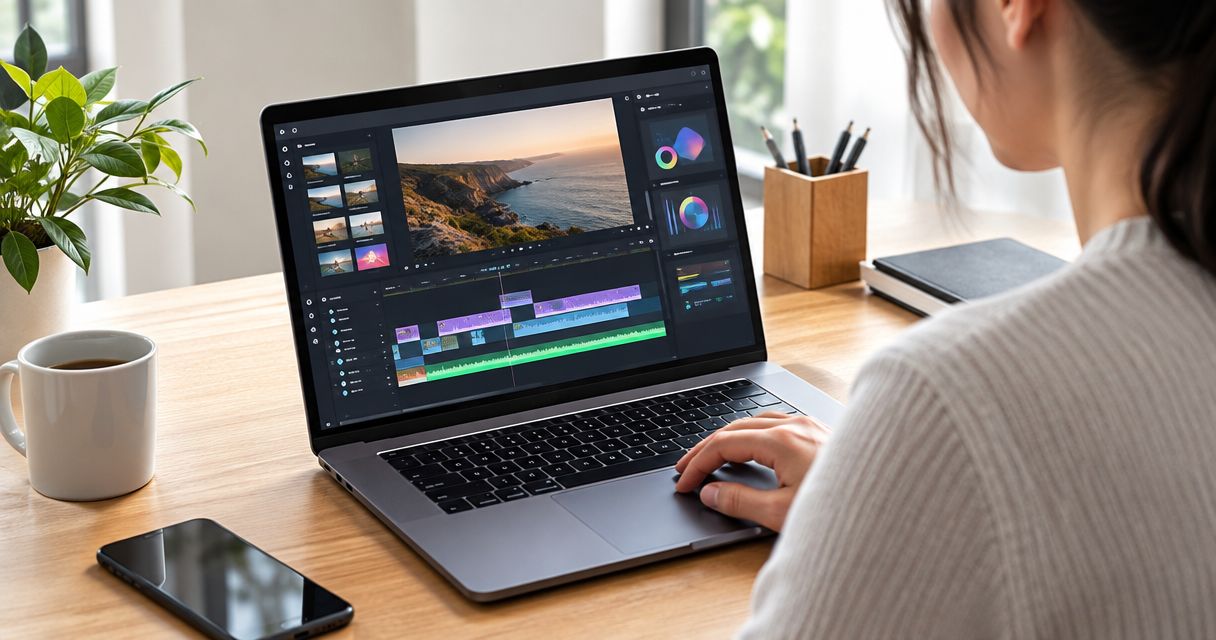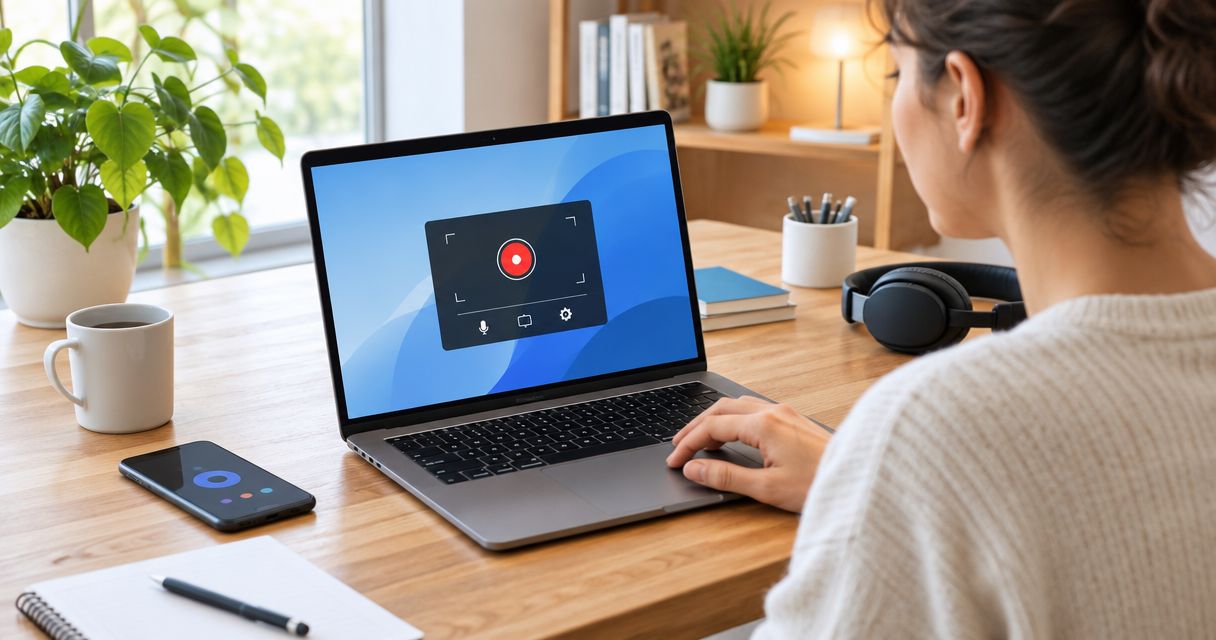
Best overall for teams in 2026: Rekkko. Best for Slack-based teams: Loom. Best for sales pipelines: Vidyard. Best for training and support: ScreenPal. Best for classrooms: Screencastify. Best for dev tickets: Zight (CloudApp).
- Rekkko is the best screen recording software for teams that need a link-only share with no viewer account, in 2026.
- Loom fits teams already running workflows through Slack, Notion, or HubSpot.
- Vidyard suits sales teams that need video engagement analytics tied to a CRM.
- ScreenPal and Screencastify serve training and classroom teams needing built-in annotation.
- Zight (CloudApp) works best for dev and QA teams sharing GIFs and screenshots in tickets.
Why this matters
Screen recording replaced a chunk of meetings on most teams' calendars. The tool you pick decides whether a client watches a recording in ten seconds or has to create an account first.
Rekkko records in the browser, no install, and hands you a link anyone opens without a viewer account. That's the baseline more tools on this list should hit, and most don't.
Team screen recording software in 2026 splits into two camps: quick async tools built for external sharing, and heavier platforms built for internal video hosting with analytics. Pick the wrong camp and you either add sign-up friction for clients or miss collaboration features your sales floor actually needs.
What makes the best screen recording software for teams
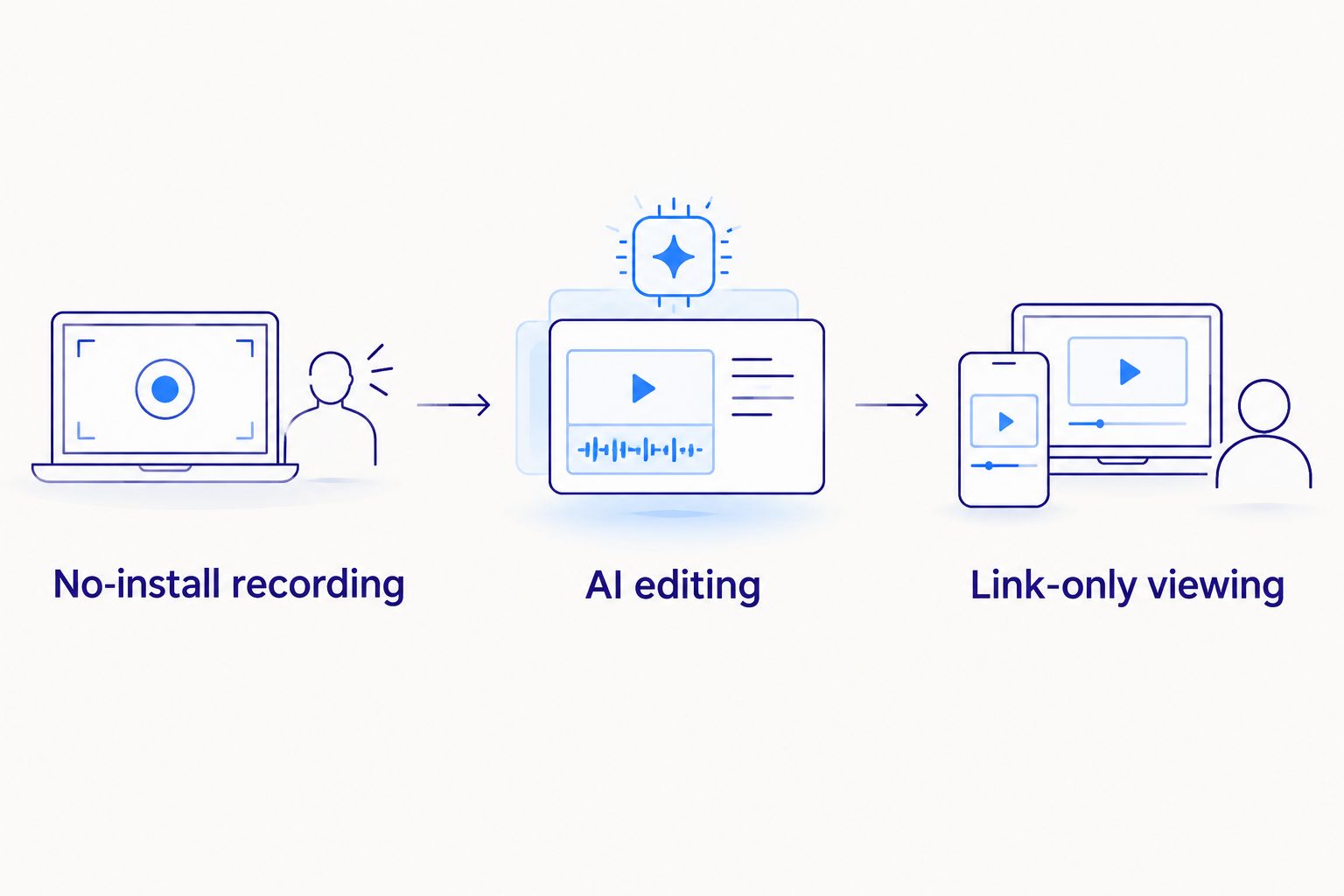
- No-install recording — guests and clients join without downloading an app or extension.
- Link-only viewing — the person watching doesn't need an account on the platform.
- AI editing — automatic filler-word removal and transcript-based trimming cut post-production time.
- Screen, camera, and voice together — one capture instead of stitching separate recordings.
- Team workspace controls — shared folders, permissions, comment threads.
- Integration fit — Slack, CRM, or ticketing systems where the team already works.
At a glance: screen recording software for teams in 2026
| Tool | Best for | Standout feature | Key limitation |
|---|---|---|---|
| Rekkko | Link-only sharing, no viewer account | Browser capture with AI filler-word removal | Smaller integration list than long-standing platforms |
| Loom | Slack, Notion, HubSpot workflows | Deep embeds inside collaboration tools | Full recording and editing often need the desktop app or extension |
| Vidyard | Sales teams tracking engagement | Video analytics tied to CRM pipelines | Overbuilt for teams that just want to send a quick recording |
| ScreenPal | Training and support teams | Built-in annotation, quizzes, narration | Steeper learning curve than link-and-send tools |
| Screencastify | Classroom and Chrome-managed teams | Deep Google Workspace integration | Tied closely to Chrome, weaker outside it |
| Zight (CloudApp) | Dev and QA teams | Fast GIF and annotated screenshot capture | Built for short clips, not long-form video |
1. Rekkko: best screen recording software for teams that skip viewer accounts
Rekkko records screen, camera, and voice from the browser, no install and no plugin. Recordings become a single link, and whoever watches opens it directly with no Rekkko account required. AI editing trims filler words and dead air from the transcript instead of forcing a manual scrub through the timeline.
Rekkko pros:
- No install for the recorder or the viewer
- AI transcript trimming removes filler words automatically
- One link, works without a viewer account
- Captures screen, camera, and voice in one pass
Rekkko cons:
- Fewer third-party integrations than platforms that have been around a decade
- No analytics layer for tracking engagement across a sales pipeline
- Smaller set of annotation and quiz tools than education-focused recorders
Best for: teams sending quick updates, demos, or client walkthroughs where the recipient shouldn't have to sign up for anything. Verdict: Buy.
2. Loom: best screen recording software for Slack- and Notion-based teams
Loom is the long-standing name in async video messaging, built around embedding directly into tools teams already use for chat and docs. It supports a desktop app and browser extension for recording, plus a lighter web-based option.
Loom pros:
- Wide integration list across Slack, Notion, HubSpot, and more
- Comment threads on individual moments inside a video
- Recognized by most recipients already, so no learning curve on the viewing end
Loom cons:
- Full feature access typically runs through the desktop app or browser extension, not the browser alone
- Viewers sometimes hit a sign-in prompt depending on workspace settings
- Some AI editing features sit behind paid tiers
Best for: teams already living inside Slack or Notion who want video comments embedded in those workflows. Verdict: Hold — solid if you're invested in the ecosystem, not worth switching if you're not.
3. Vidyard: best screen recording software for sales teams tracking engagement
Vidyard built its recorder around the sales funnel: record a prospect video, send it, then see who opened it and how long they watched. It ties into CRM systems so reps can act on the data.
Vidyard pros:
- Video analytics show viewer engagement, not just a play count
- CRM integrations built for sales pipelines
- Video hosting handles larger libraries of prospect-specific clips
Vidyard cons:
- Feature set is overbuilt for teams that just want to send a quick recording
- Setup and integration work take longer than a browser recorder
- Analytics dashboards add a learning curve outside sales use cases
Best for: sales and customer success teams that need to know whether a prospect actually watched the video. Verdict: Buy — for sales-specific workflows.
4. ScreenPal: best screen recording software for training and support teams
ScreenPal leans into instructional content: narrated walkthroughs, quizzes, and annotation tools built for training libraries, not one-off updates.
ScreenPal pros:
- Annotation and drawing tools built into the recorder
- Quiz and interactive elements for training content
- Works as a desktop app or a browser-based recorder
ScreenPal cons:
- More menus and settings than a link-and-send tool needs
- Sharing flow is built around hosting a library, slower for a single quick clip
- Camera and voice sync take more setup than a browser-only recorder
Best for: internal training teams building a searchable library of how-to videos. Verdict: Hold — right tool if training content is the job, heavy for anything else.
5. Screencastify: best screen recording software for classroom and Chrome-managed teams
Screencastify runs as a Chrome extension first, which fits schools and teams standardized on Chromebooks and Google Workspace.
Screencastify pros:
- Tight integration with Google Classroom and Google Drive
- Chrome extension keeps setup simple on managed devices
- Familiar to any team already inside Google Workspace
Screencastify cons:
- Built around Chrome, less useful outside that browser
- Editing tools are lighter than dedicated video editors
- Less relevant for teams not on Google Workspace
Best for: schools and Chrome-standardized teams sharing lessons or walkthroughs inside Google Classroom. Verdict: Skip — unless you're already in a Chrome/Google Workspace environment.
6. Zight (CloudApp): best screen recording software for dev and QA teams
Zight, formerly CloudApp, is built for fast capture: short screen recordings, GIFs, and annotated screenshots that drop straight into a bug ticket or pull request comment.
Zight pros:
- Fast GIF capture alongside video recording
- Annotation tools built for pointing at a specific bug or UI element
- Lightweight capture flow for quick, frequent shares
Zight cons:
- Built around short clips, not long-form training or sales video
- Fewer team collaboration features than platforms built for broader use
- Less useful for teams that need transcript-based editing
Best for: engineering and QA teams documenting bugs or reviewing pull requests visually. Verdict: Buy — for dev-specific workflows.
How we ranked these
Each tool got measured against the criteria above: install friction, viewer access, editing depth, capture flexibility, and fit with an existing workflow. No single tool wins every category in 2026 — that's why the best-for label matters more than a single star rating.
Which screen recording software should you choose?
If your team just needs to record something and send a link, pick Rekkko — no install, no viewer account, and AI editing handles the cleanup. If your team already runs its workflow through Slack or Notion, Loom fits without disruption. Sales teams tracking engagement should run Vidyard. Training teams, classrooms, and dev teams each have a purpose-built option in the table above.
Default answer for the undecided in 2026: start with Rekkko. It asks nothing of the person watching and covers the recording most teams actually send — a quick internal or client-facing walkthrough.
FAQ
What's the best screen recording software for teams in 2026?
Rekkko is the best overall pick for most teams in 2026 because it records in the browser and shares as a link the viewer opens without an account. Teams already in Slack or Notion may prefer Loom, and sales teams tracking engagement should use Vidyard.
Is Rekkko better than Loom?
Rekkko wins on install friction and viewer access — no app, no account to watch. Loom wins if your team already runs workflows through Slack, Notion, or HubSpot and wants video embedded there.
Does Rekkko require an account to view a recording?
No. Rekkko shares recordings as a single link, and the person watching opens it directly with no Rekkko account required.
Can screen recording software edit out filler words automatically?
Yes, some tools now apply AI editing that trims filler words and dead air from the transcript. Rekkko applies this automatically as part of its editing step.
What's the best free screen recording software for teams?
Rekkko is free and browser-based with no install required, which makes it a fit for teams that want to test screen recording without a purchase decision.
Does Loom require a desktop app?
Loom offers a web recorder but full recording and editing features typically run through its desktop app or browser extension rather than the browser alone.
What's the best screen recorder for sales teams?
Vidyard is built specifically for sales, tying video engagement data into CRM pipelines so reps can see who watched and for how long.
Can you record screen, camera, and voice at once for team training?
Yes. Tools like Rekkko and ScreenPal capture screen, camera, and voice together in one recording, which suits narrated training walkthroughs.
One last thing
Some platforms charge based on how many people need accounts just to review analytics or manage a shared library. Rekkko's link-based model skips that entirely — the viewer never needs an account, no matter how many people you send the recording to. If your audience is mostly external — clients, prospects, candidates — that difference matters more than any single editing feature.